Menu
Close


Overview
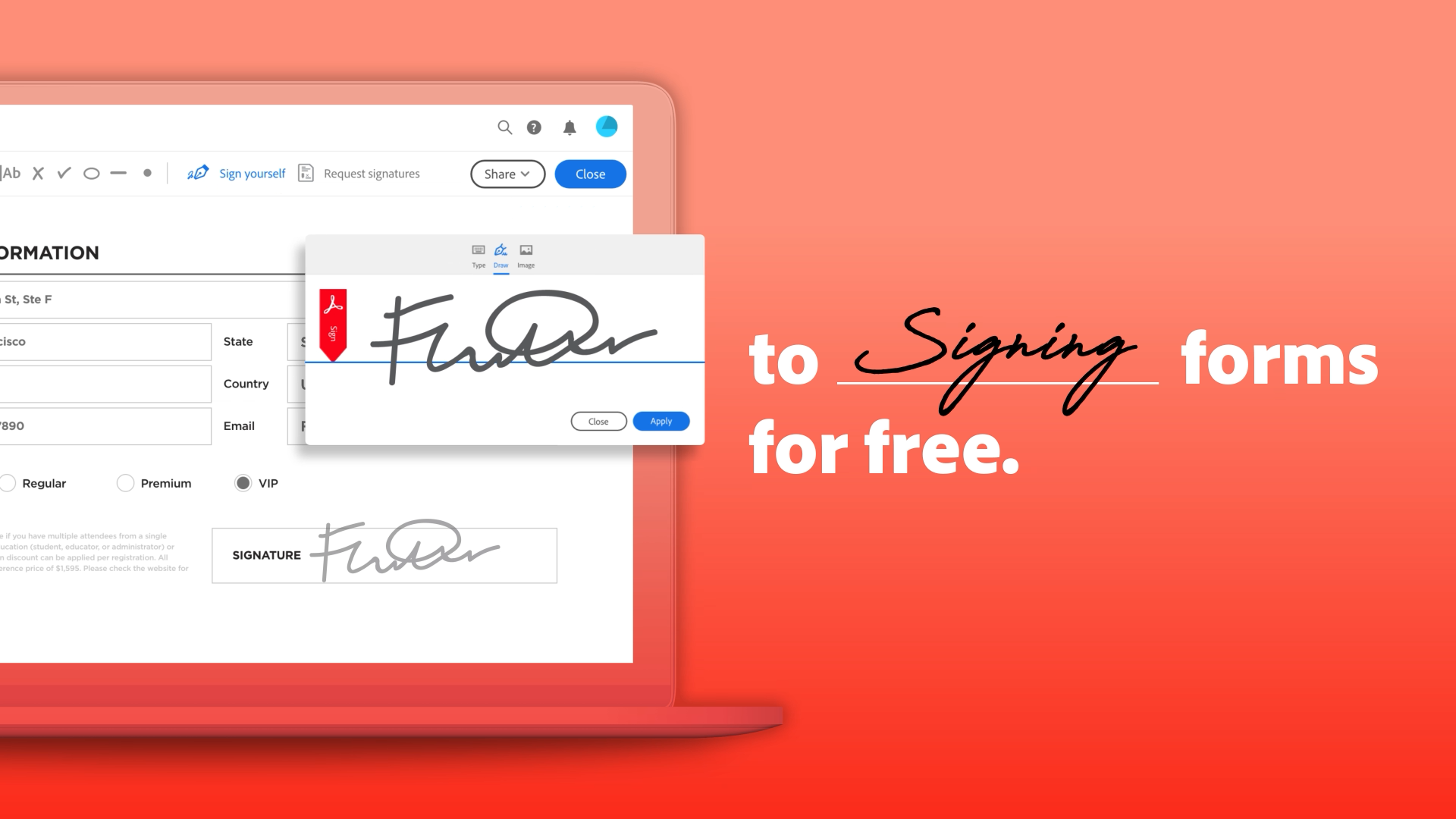
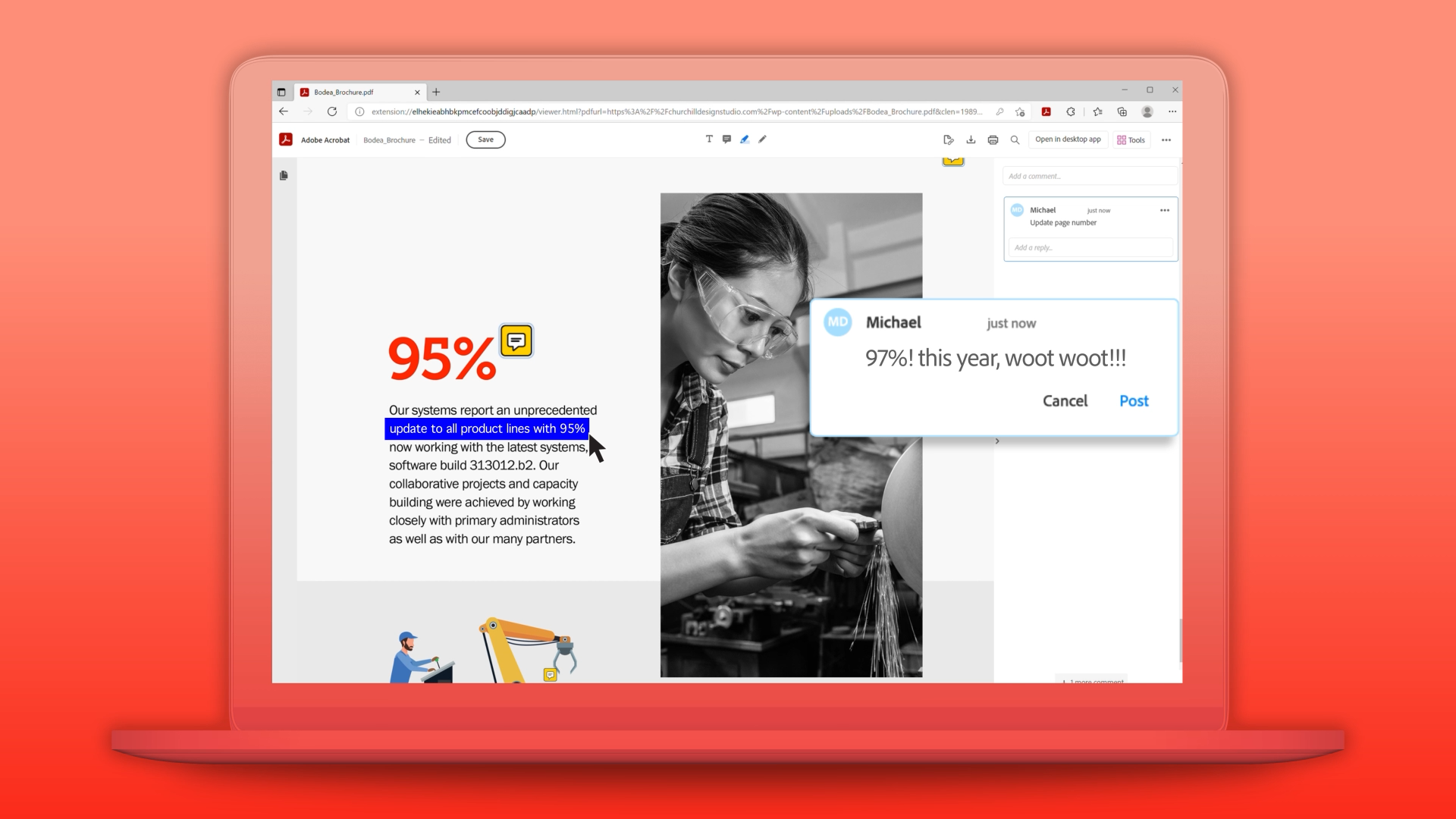
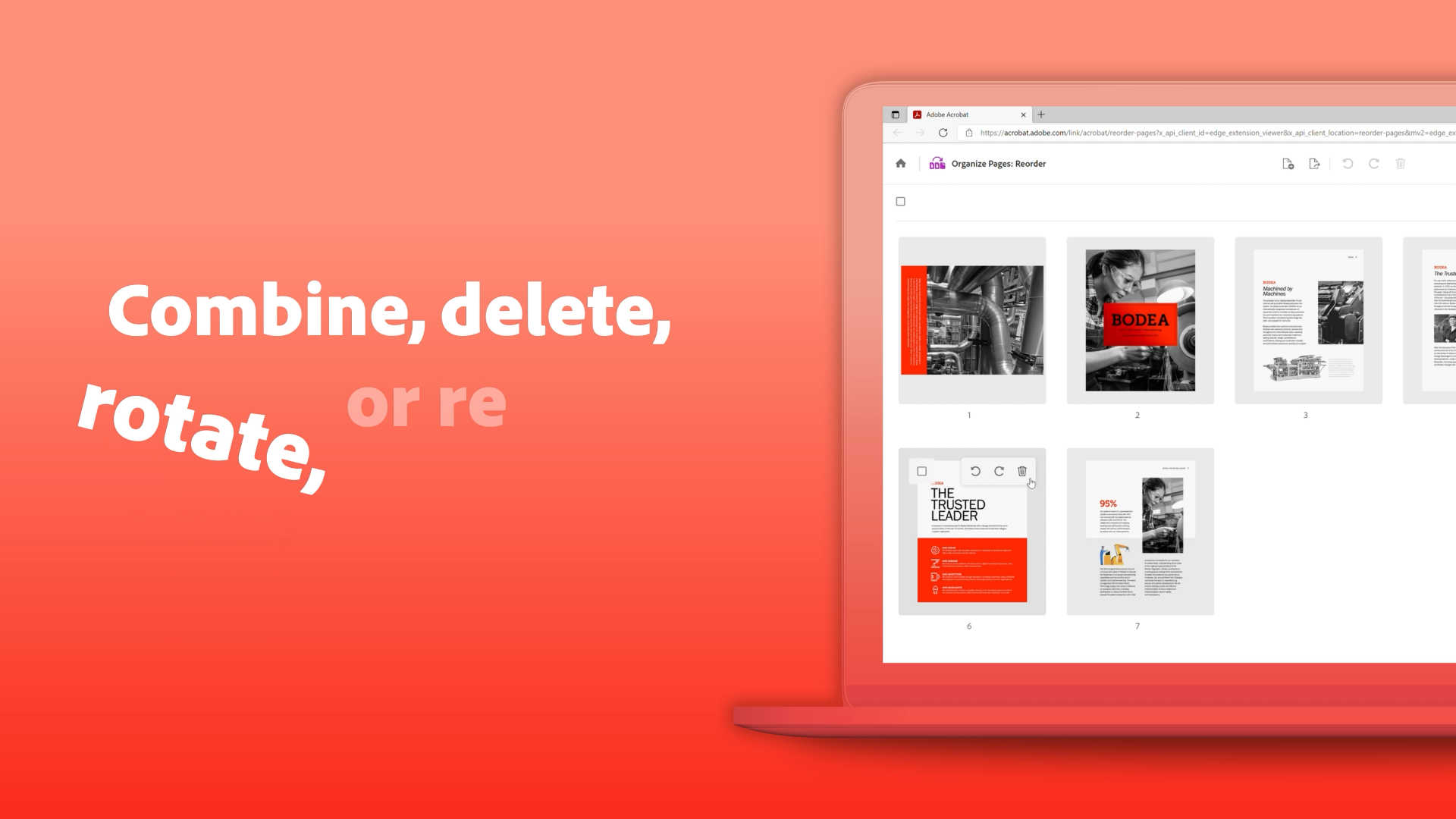
Adobe wanted a video to drive installs of the Acrobat Reader extension for Microsoft Edge — a free tool that brings PDF signing, commenting, page management, conversion, and compression directly into the browser. The video a short-form social to stop the scroll, and the Microsoft Edge Add-ons listing page, where it ran as the hero asset for the features launch. Through Snack Bar's ongoing relationship with Adobe, I handled everything from storyboard to final delivery.
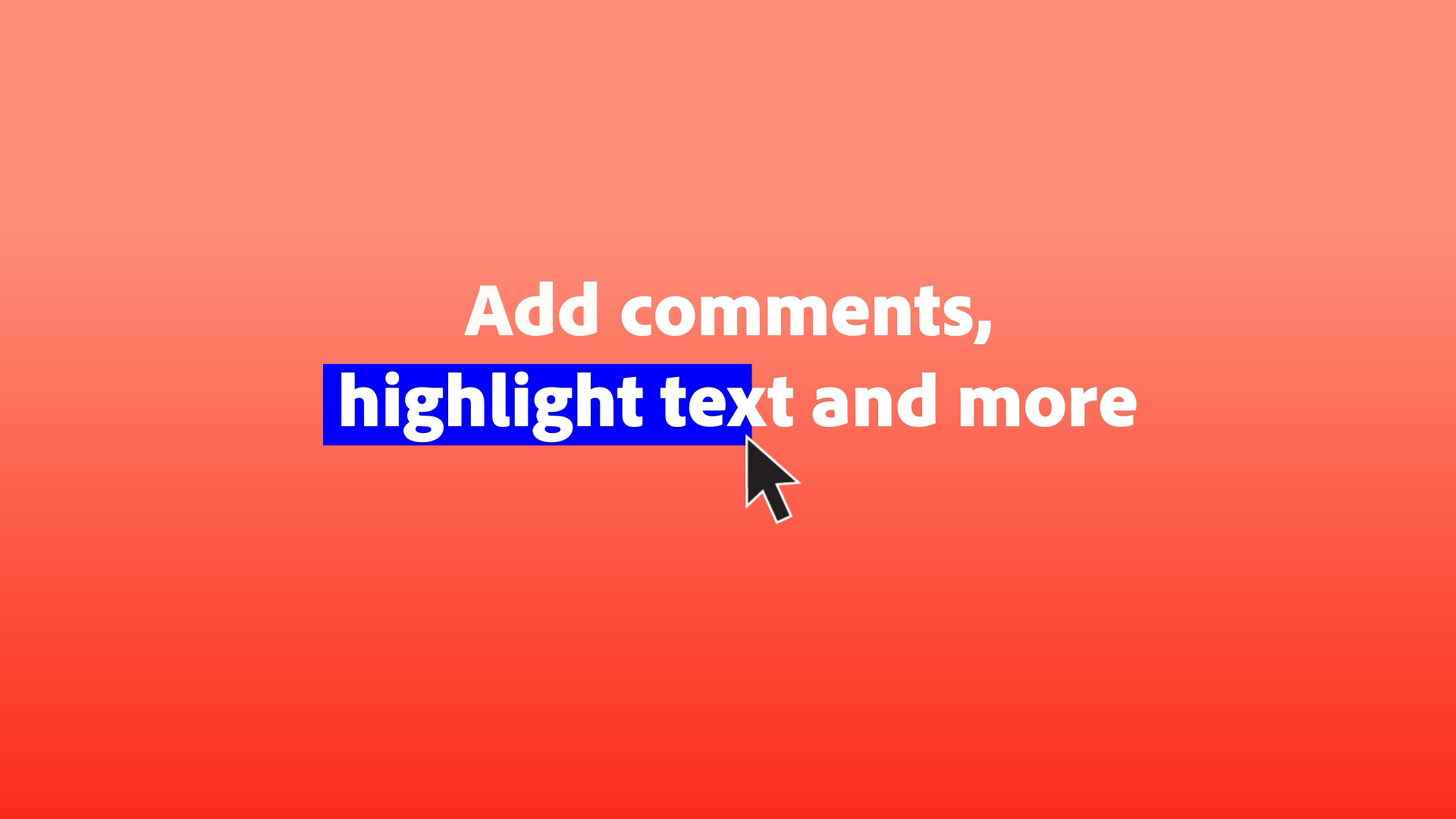
The footage was all screen recordings, captured in motion across five distinct features, and composed in AE. The challenge with UI-based video isn't capturing the software; it's making software feel useful rather than instructional. Storyboarding first meant working out the pacing and narrative arc before recording a single frame: which features to show, in what order, how long to stay on each one, and where to let the product breathe. "Signing, compress, rotate, etc appear alongside the moments each feature is being introduced in the interface. That kind of lock between what's on screen and what's in type helped separate this product video from a walkthrough
The video launched across social and became the primary asset on Adobe Acrobat Reader's listing in the Microsoft Edge Add-ons store — the first thing a potential user sees before clicking install. One of several videos produced for Adobe through a multi-year studio relationship.
Client

Date
August 10, 2026
Service
UI Animation, Feature release